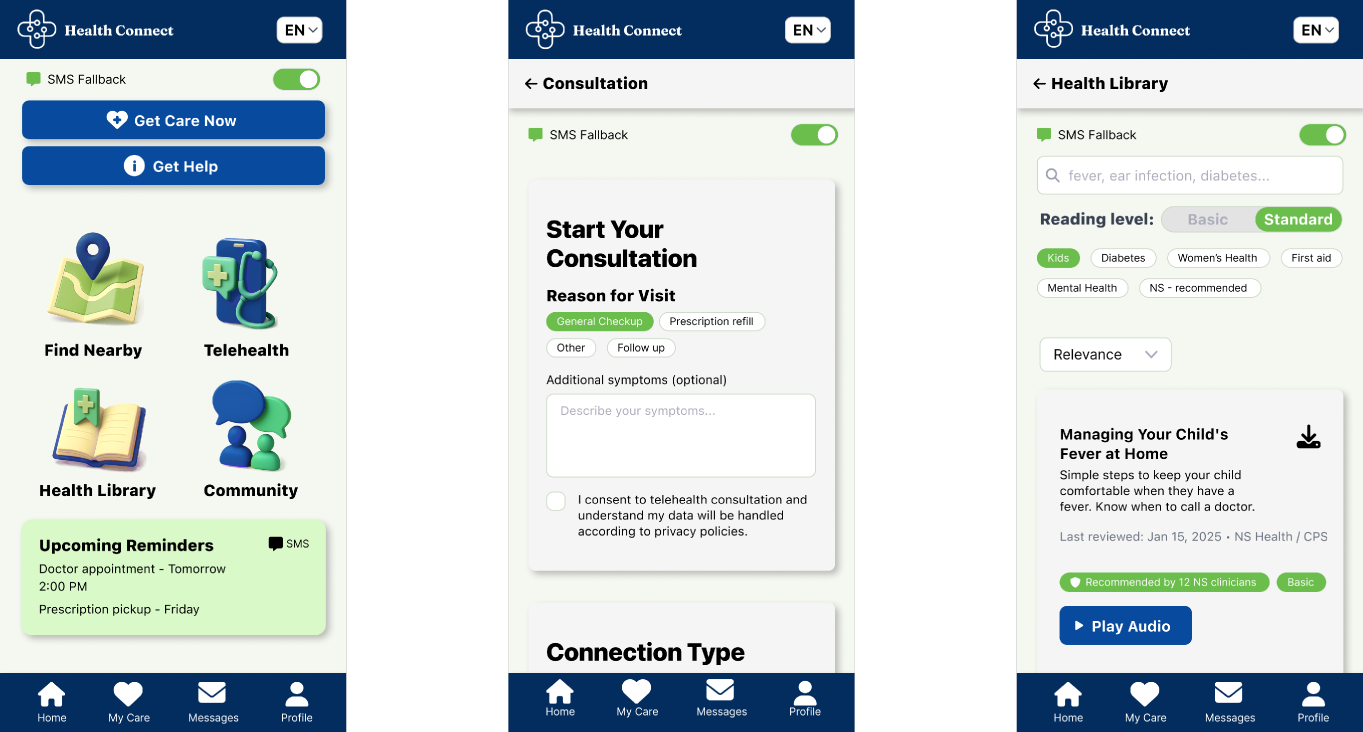
NOVA SCOTIA · CANADA
Health Connect — Closing the distance to care across Nova Scotia
A friendly health app that adapts to each community. It’s available in many languages, works even when connectivity is poor, and helps people find and follow care—while keeping things simple for providers
Product direction
Closing the distance to care across Nova Scotia
- Healthcare
- User Research
- Accessibility
01
Project Overview
The Approach
I explored the problem through competitive analysis, scenario-based user research, proto-personas, and journey mapping. These informed the design of a mobile platform focused on simplifying care navigation, improving accessibility, and supporting patients throughout their healthcare journey.
Research Methodology
The project uses hypothetical research scenarios and illustrative quantitative data to explore potential user needs and design opportunities. The findings represent working hypotheses rather than validated research outcomes.
The Outcome
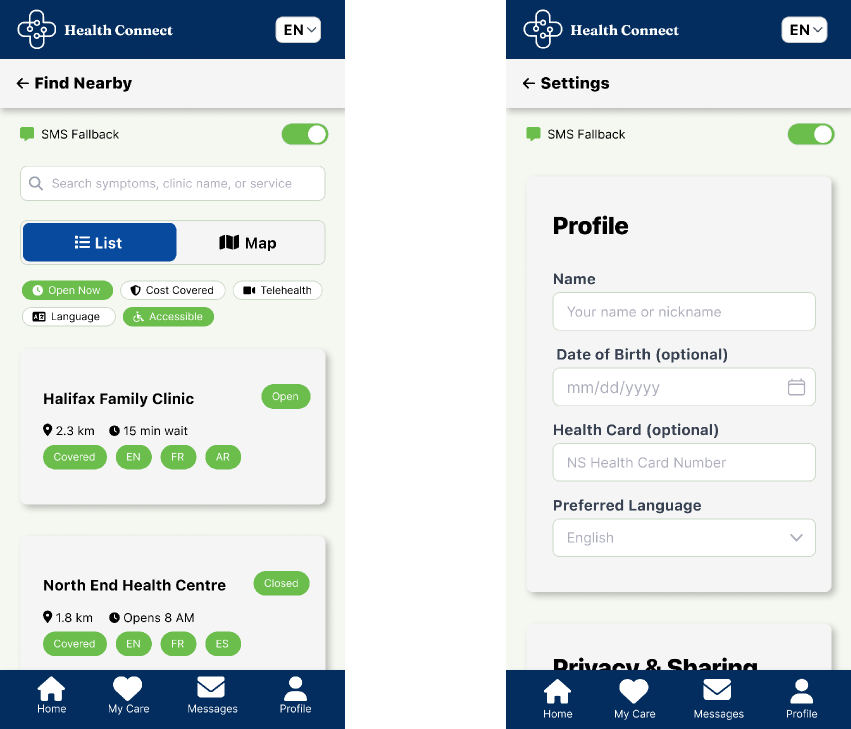
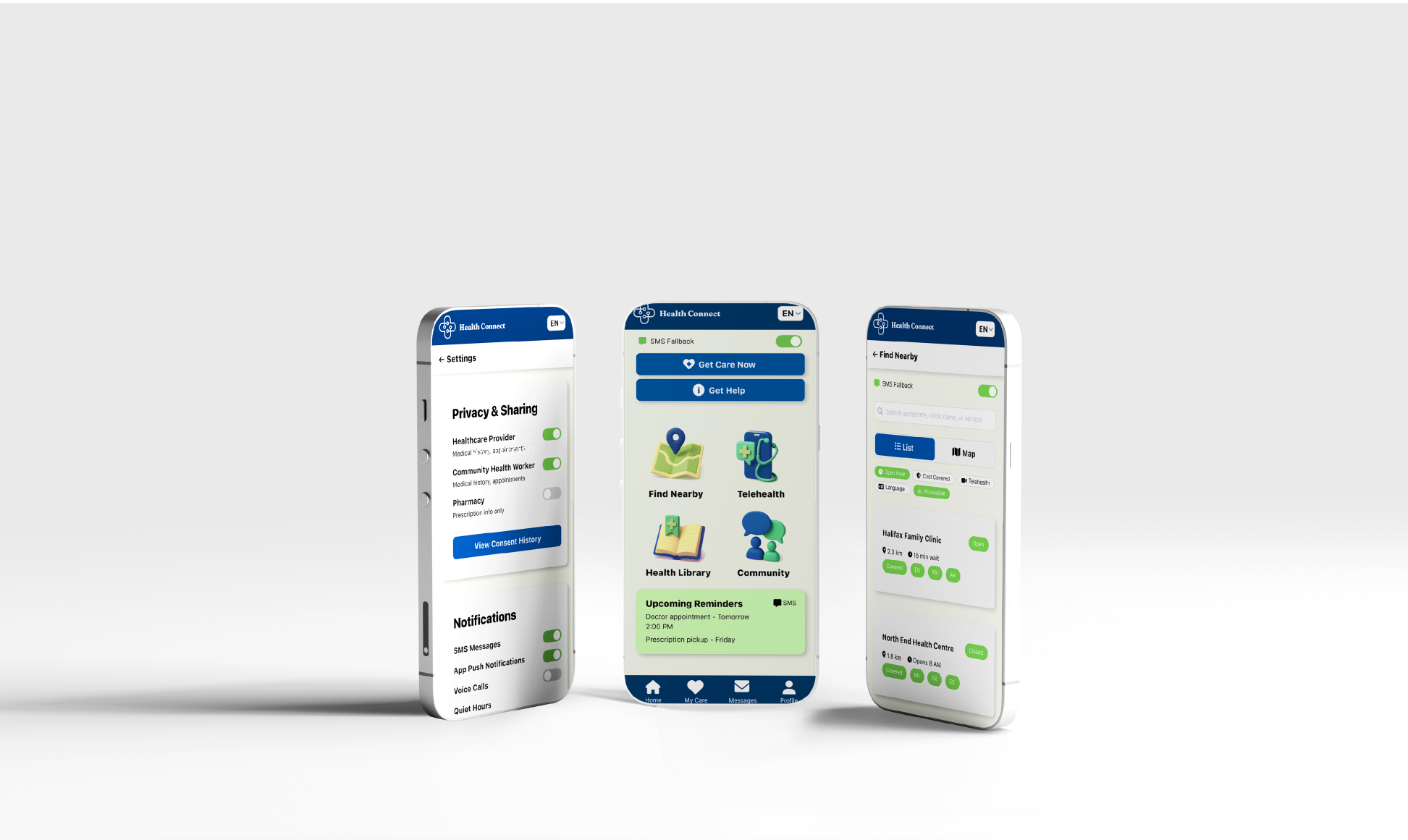
A proposed mobile experience featuring multilingual navigation, telehealth access, care discovery, SMS support, and simplified healthcare information, alongside measurable objectives for future validation.
02
Problem Statement
Disparities in access persist because existing digital and in-person services are not consistently discoverable, usable, trusted, or affordable across these varied populations. Barriers include:
- Access & logistics
- Limited local facilities, long travel times, childcare/work constraints, transportation gaps.
- Information & literacy
- Low digital/health literacy, language barriers, confusing eligibility and referral pathways.
- Culture & trust
- Historic/systemic mistrust (e.g., Indigenous communities), low confidence in virtual care, stigma around certain services.
- Technology readiness
- Unreliable internet, outdated devices, shared phones, limited data plans; need for offline/SMS options.
- Privacy & safety
- Heightened concerns around consent, data use, and sharing—especially for vulnerable users.
- Adoption resistance
- Heightened concerns around consent, data use, and sharing—especially for vulnerable users.
03
Challenge & Opportunity
Challenge
One-size-fits-all digital care leaves many communities behind.
Opportunity
A friendly health app that adapts to each community. It’s available in many languages, works even when connectivity is poor, and helps people find and follow care—while keeping things simple for providers
04
Competitor Analysis
| Feature | RocketDoctor | maple | tia health · A WELL Health Company |
|---|---|---|---|
| 24/7 | |||
| Emergencies | |||
| See doctor online | |||
| Test results online | |||
| Care navigation | |||
| Referrals | |||
| Multilingual UI | |||
| SMS fallback | |||
| Human support |
05
User Research
Quantitative
- Documentation method
- Google form
- Analysis method
- Pie chart & affinity map
587
participants
Filtering Factor: people who live in Nova Scotia, above 18 years old.
Qualitative
- Documentation method
- Otter.oi
- Analysis method
- Affinity map
52
participants
Guide questions for the interview: How health care is usually acquired? What is the existing task flow for health care related tasks:
- Step
- Tools used
- Time & cost
- Barriers
- Emotions (1–10)
- Opportunities
06
Main Findings
Main Findings
55%
Urban
45%
Rural
Constrains & Challenges
- No family doctor
- 39%
- Long waiting times
- 62%
- Challenges arriving
- 31%
- Language barriers
- 19%
- Limited clinic hours
- 55%
- No reliable internet
- 33%
07
User Personas
Aisha

- Background
- Newcomer in Halifax; shift work; one toddler; primary language Arabic (conversational English).
- Needs
- Multilingual UI, plain-language guidance, paediatric & women’s health, after-hours virtual care, clear coverage/cost info, SMS reminders.
- Barriers
- Language & system navigation, limited childcare/time, low trust, data caps/shared device.
“Give me clear steps in my language and a way to see a doctor after work without losing a day’s pay.”
Maria
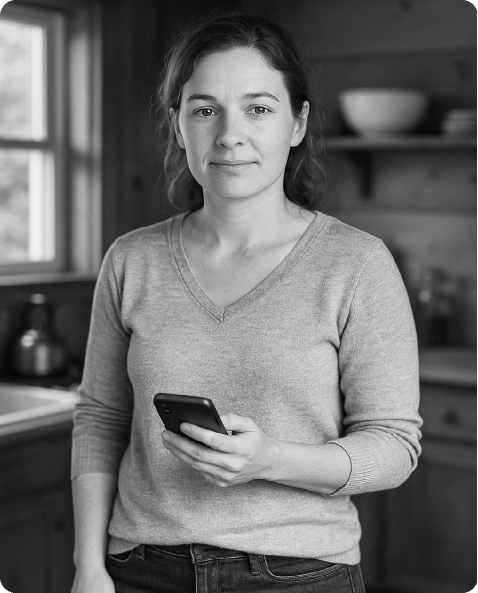
- Background
- Lives 2 hrs from nearest clinic, two kids, in her 30’s, older device, no paid sick time off
- Needs
- Reliable navigation information, low-bandwidth solutions, transport support, transparent coverage & costs, after hours access.
- Barriers
- No car, poor internet, low trust in online info, needs one-button flows and very short forms.
“I can’t miss work, but it takes all day to see a doctor.”
James
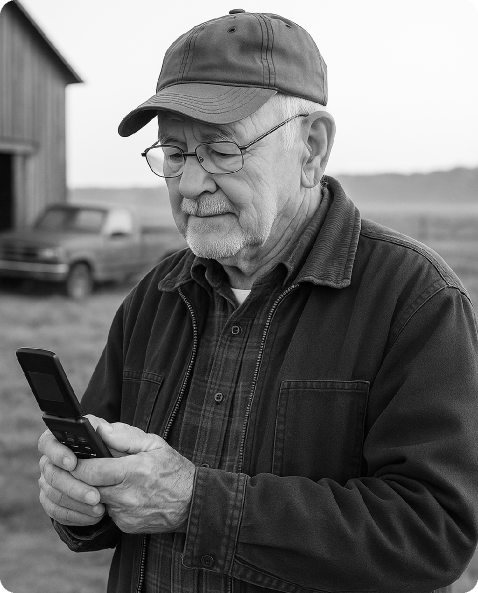
- Background
- Retired farmer; 45–60 min from nearest clinic; lives with spouse; limited data on an older phone; mild hearing/vision issues.
- Needs
- Phone-first booking, large text/voice prompts, simple follow-up steps, virtual/audio visits, local lab/mobile clinic info.
- Barriers
- Mobility & weather, unreliable internet, low digital confidence, daytime chore conflicts, limited transport.
“If I could press one big button to talk to someone, I’d actually get care on time.”
08
Journey Mapping
| Project | Task List | Thoughts | Comfort (1–10) | Pain Points | Opportunities |
|---|---|---|---|---|---|
| Book Appointment |
| “Can I find a same-week slot? Is it covered?” | 5/10 mild anxiety |
|
|
| Visit a Doctor |
| “How long will I wait? Will this be virtual or in-person?” | 4/10 anxious about wait/time |
|
|
| Get Referral to a Specialist |
| “What’s happening with my referral? Who’s the specialist? When?” | 3/10 uncertainty |
|
|
| Get Prescription |
| “Is my prescription ready? Can they deliver?” | 3/10 anxious about timing/cost |
|
|
| Get Test Results |
| “Where exactly do I see results? Will someone explain them?” | 3/10 anxious about clarity |
|
|
| Get a Sick Note |
| “Will the note match my employer’s format? How fast can I get it?” | 6/10 fairly confident if quick |
|
|
09
Success Objectives
Target
Access
- ≥ 70% of users can find a viable care option (in-person or virtual) in ≤ 2 min from app open.
- ≥ 80% of rural users see transport info
Target
Follow-through
- −25% no-show rate for booked appointments vs. baseline.
- ≥ 90% reminder reach (SMS/app push delivered) and ≥ 75% confirmations.
Target
Comprehension
- ≥ 85% report “I understand my next step” in their chosen language (post-task micro-survey).
Target
Adoption
- ≥ 70% of targeted providers in pilot onboarded; ≥ 85% monthly active among onboarded.
10
Screens